airender iconairender
DemoShowcasePricingFAQ
Log inGet started
BUILT FOR ARCHITECTS · PAY AS YOU GO

AI rendering for architects & designers

Drop a screenshot.
Get a render.
Show the client.

Photorealistic architectural renders in 60 seconds. Trained on real architecture, not generic AI. Your geometry stays exact, only the lighting, materials, and textures change.

Get startedWatch the 90s demo
Starts at $960-second rendersCredits never expireCommercial license
Photorealistic AI architectural render of a modern cabin exterior at golden hour, generated by airender from a 3D model screenshot
Raw 3D model screenshot of a modern cabin exterior, used as the source for the AI render
3D model
AI Render
Works with
SketchUp logoRevit logoRhino logoBlender logoAutoCAD logoArchiCAD logo3ds Max logoVectorworks logoLumion logoSketchUp logoRevit logoRhino logoBlender logoAutoCAD logoArchiCAD logo3ds Max logoVectorworks logoLumion logo
90-second demo

Watch one render finish, start to ship.

Real screenshot. Real prompt. Real timing. No cuts, no edits.

Real renders from real users

This is the output. No filters, no cherry-picking.

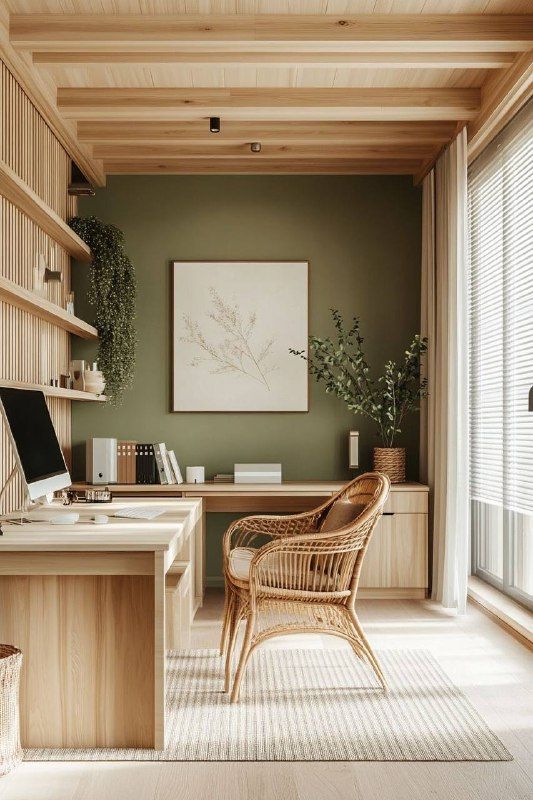
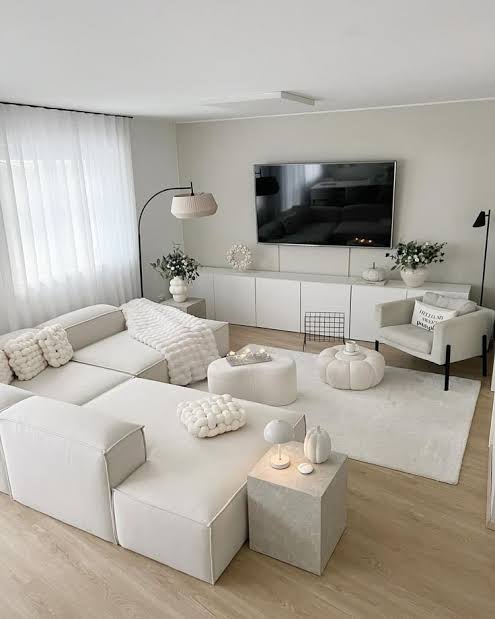
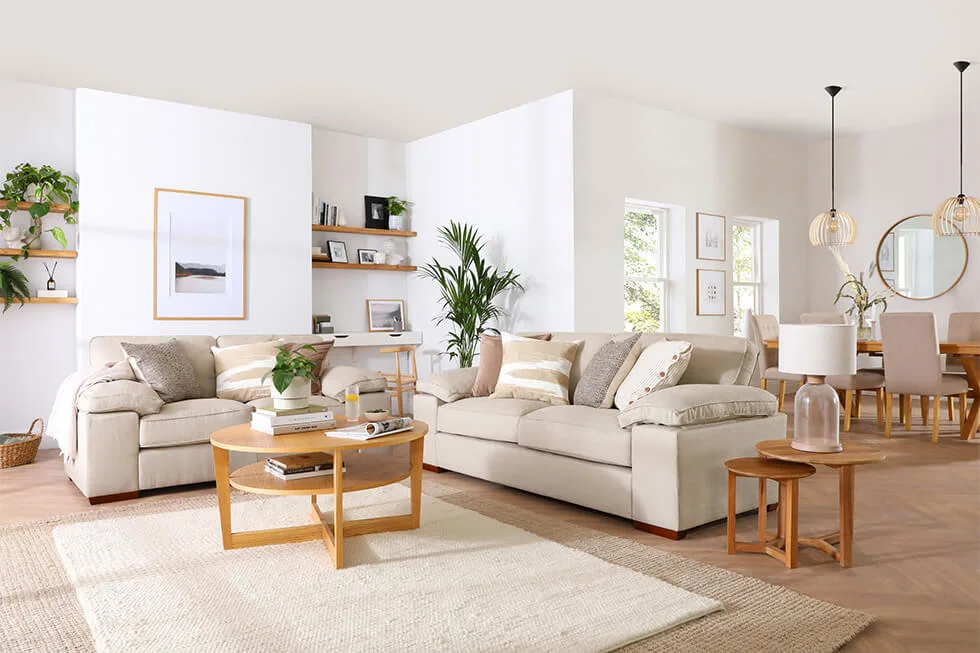
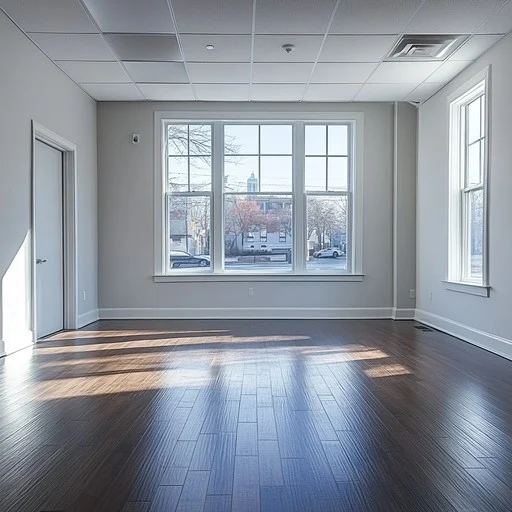
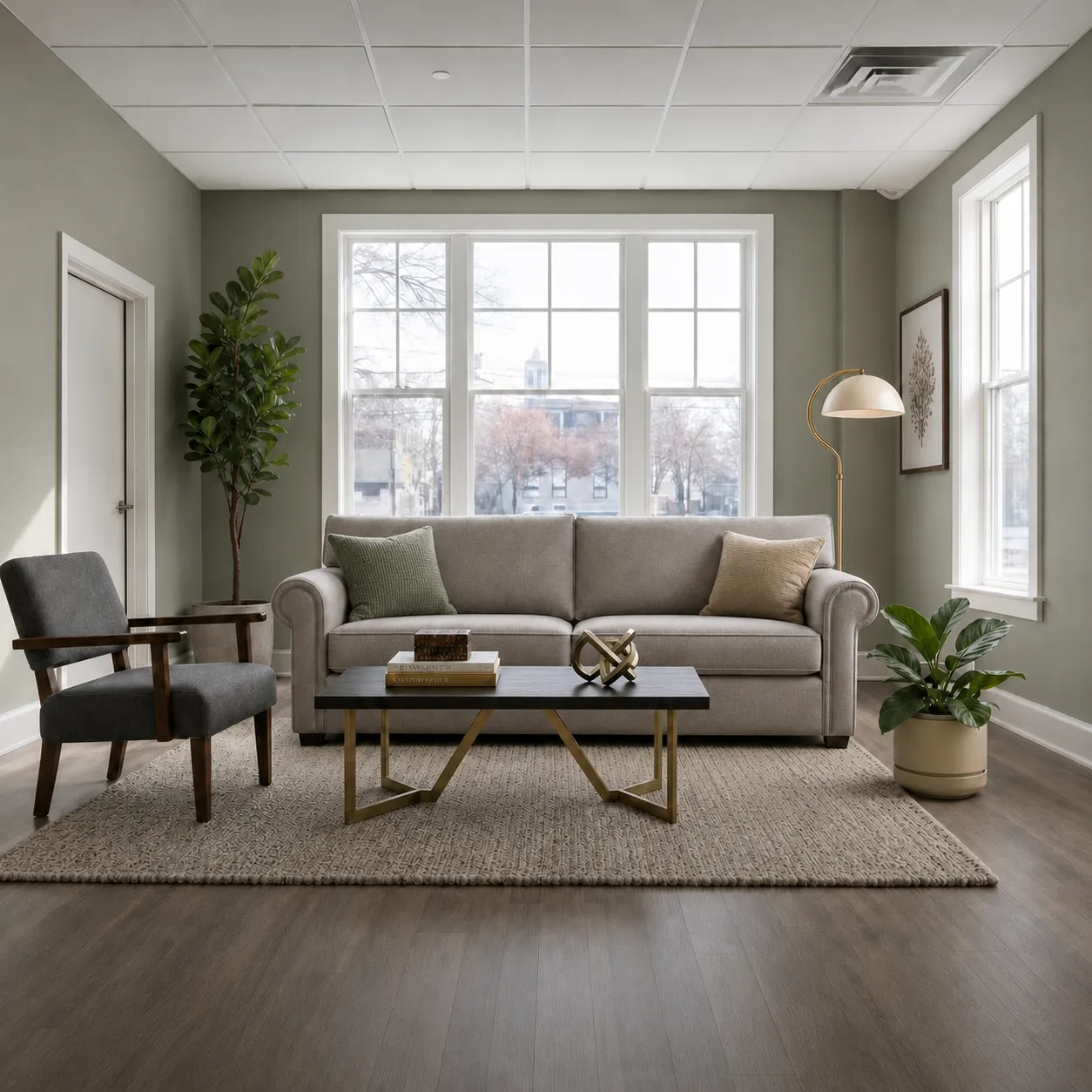
Every render here was made in a single browser session. Times are wall-clock, from upload to download. Hover any tile to see the source 3D model.

Exterior · Front · 47 secSource 3D model for Exterior · Front · 47 sec
Source 3D model
Exterior · Front · 47 sec
Living room · Warm · 49 secSource 3D model for Living room · Warm · 49 sec
Source 3D model
Living room · Warm · 49 sec
Living room · 52 secSource 3D model for Living room · 52 sec
Source 3D model
Living room · 52 sec
Living room · Bright · 46 secSource 3D model for Living room · Bright · 46 sec
Source 3D model
Living room · Bright · 46 sec
Cabin · Golden hour · 43 secSource 3D model for Cabin · Golden hour · 43 sec
Source 3D model
Cabin · Golden hour · 43 sec
Exterior · Modern · 44 secSource 3D model for Exterior · Modern · 44 sec
Source 3D model
Exterior · Modern · 44 sec
Exterior · Back · 51 secSource 3D model for Exterior · Back · 51 sec
Source 3D model
Exterior · Back · 51 sec
Cabin · Daylight · 45 secSource 3D model for Cabin · Daylight · 45 sec
Source 3D model
Cabin · Daylight · 45 sec
Exterior · Garden · 50 secSource 3D model for Exterior · Garden · 50 sec
Source 3D model
Exterior · Garden · 50 sec
Editorial · 48 secSource 3D model for Editorial · 48 sec
Source 3D model
Editorial · 48 sec
Cabin · Twilight · 47 secSource 3D model for Cabin · Twilight · 47 sec
Source 3D model
Cabin · Twilight · 47 sec
Make yours
Features

Everything an architect needs to ship a render.

Built for SketchUp, Revit, Rhino, Blender. Your geometry stays exact. Lighting, materials, and textures change.

Geometry preserved

Your model stays your model.

Walls, windows, furniture, camera angle. All kept exactly as you uploaded. The AI only changes materials, textures, and lighting. No invented walls, no relocated furniture, no surprise objects.

Exact wallsOriginal cameraZero invented objects
Your 3D modelYour 3D model
AI renderAI render
Instant Edits

Paint a region. Tell us what to change.

Brush over a wall, a floor, a sofa, then type the change. "Darker oak floor." "Remove the chair on the left." "Charcoal upholstery." The AI rewrites only the painted region; the rest of the render stays pixel-perfect.

Mask-based1 credit per editEdit any render
Before editBefore edit
After editAfter edit
Variations

Try every mood. Keep them all.

Hit render again with different lighting, time of day, or quality. Each result is saved as a new version on the same project. Switch between them side by side. Show the client three takes, let them pick.

Unlimited rerendersSaved per projectSide-by-side compare
Take 1Take 1
Take 2Take 2
HyperReal 4K

Sharp enough for portfolio prints.

Upgrade any render to 4K with HyperReal mode. The SeedVR upscale pass recovers fine detail, adds micro-textures, and outputs at print-ready resolution. Built for client decks, planning submissions, and the shots that go on your portfolio.

4K outputMicro-texture recoveryPrint-ready
Source renderSource render
4K HyperReal4K HyperReal
Lighting presets

Dawn to dusk in one click.

Seven time-of-day presets, two lighting modes. Click 'Golden hour' and the AI handles warm directional light, long shadows, and the exterior glow through windows. No prompt engineering required.

7 time-of-day2 lighting modesNo prompt needed
Your 3D modelYour 3D model
Golden hourGolden hour
Coming soon · Cinematic flythrough

Turn one render into a 6-second flythrough.

Generate smooth, stabilised cinematic walkthroughs of your render. No video software, no manual stitching, no camera path setup. Drop a finished render, click Flythrough, and ship a clip ready for Instagram, client decks, or your portfolio reel.

Smooth camera pathsAuto-stabilised6 second clip
Cinematic flythrough preview
Coming soon
Why architects switch

47 seconds. Browser. No GPU.

Lumion
Enscape
D5 Render
You're here
airender
browser-native · cloud render
Time per render
8 to 20 min
local GPU bound
~3 min
real-time then export
Real-time
instant preview, GPU bound
47 sec
typical, browser
Setup required
Windows install
dedicated GPU
Plugin install
per host app
Windows install
dedicated GPU
None
browser only
Per-render cost
License
amortized annually
License
amortized annually
License
amortized annually
$0.38
pay-as-you-go
Free trial
14 days
watermarked
14 days
desktop only
Community
free tier, limited
Paid only
from $9
You're here
airender
browser-native · cloud render
Time per render
47 sec
typical, browser
Setup required
None
browser only
Per-render cost
$0.38
pay-as-you-go
Free trial
Paid only
from $9
Get started
Lumion
desktop · GPU
Time per render
8 to 20 min
local GPU bound
Setup required
Windows install
dedicated GPU
Per-render cost
License
amortized annually
Free trial
14 days
watermarked
Enscape
plugin · desktop
Time per render
~3 min
real-time then export
Setup required
Plugin install
per host app
Per-render cost
License
amortized annually
Free trial
14 days
desktop only
D5 Render
desktop · real-time GPU
Time per render
Real-time
instant preview, GPU bound
Setup required
Windows install
dedicated GPU
Per-render cost
License
amortized annually
Free trial
Community
free tier, limited

Times are typical on a single interior or exterior shot. Lumion and Enscape figures include local hardware setup time on first render.

Get started
Pricing

One-time credit packs. Credits never expire.

No subscription, no monthly reset, no surprise renewals. Pay once, render forever.

Medium render = 1 credit · High (4K, ultra-detail) = 3 credits

Starter
$9one-time
30 credits
30 credits
Up to 30 photorealistic renders
Commercial license
MOST POPULAR
Pro
$6035% off$39one-time
200 credits
200 credits
Up to 200 photorealistic renders
High-quality render engine
Custom instructions
Commercial license
BEST VALUE
Studio
$18045% off$99one-time
600 credits
600 credits
Up to 600 photorealistic renders
High-quality render engine
Custom instructions
Commercial license
Priority support

Need a larger volume of credits? Contact us

FAQ

Common questions

Any software that can export a screenshot. SketchUp, Revit, Blender, AutoCAD, Rhino, ArchiCAD, Lumion, 3ds Max. If you can take a screenshot of your 3D model, airender can render it.

About 60 seconds per render. You'll see a preview within seconds, then a 4K upscale follows automatically. No queue, no render farm, no GPU on your end.

One-time credit packs, no subscription. Medium quality is 1 credit, High quality is 3 credits. Credits never expire. Starter pack is $9 for 30 credits.

Yes. Every time you hit Render on the same scene, the new result is saved as a new version. Switch between versions with the strip under the canvas to compare lighting, mood, or settings side by side.

Midjourney and DALL-E generate images from text prompts - they invent everything from scratch. airender takes your existing 3D model as ground truth: it keeps the exact room layout, camera angle, furniture, and window positions, and only adds photorealistic materials, lighting, and textures. Your geometry is preserved.

Yes. Uploads are stored on private CDN URLs that only you can access by default. Renders are private until you explicitly mark a project as Public to share with a client.

Click Render again to generate a new version with different settings. Every version is saved so you can compare them. If a credit pack itself didn't work for you, email info@airender.ai - we'll make it right.

Yes. All paid credit packs include full commercial usage rights for client deliverables, marketing materials, and publications.

Yes. The AI is trained on architectural and interior photography, not generic images. It understands perspective, material physics, and how natural light fills a space. Drag the sliders above to judge for yourself.

The AI reads your screenshot and picks sensible defaults - bright midday daylight, soft natural shadows, warm white balance. You can override time of day, lighting type, and add custom instructions whenever you want more control.

Stop waiting on render farms.

Starts at $9. About 47 seconds per render. No plugin to install, credits never expire.

Get started

Still scrolling? Pay-as-you-go from $9.

Get started →
airender iconairender

Turn 3D model screenshots into photorealistic renders in 60 seconds.

Product

How it worksPricingDemoGet startedLog in

Free tools

Style LibraryMaterial LibraryLighting StudioPrompt LibraryGlossary

By Software

SketchUp RenderingRevit RenderingRhino RenderingBlender RenderingArchiCAD Rendering3ds Max RenderingAutoCAD Rendering

Use Cases

Interior RenderingExterior RenderingSite Plan Rendering

Compare

Lumion AlternativesEnscape AlternativesV-Ray AlternativesVibe3D.ai Alternatives

Legal

PrivacyTermsRefund PolicyContact
© 2026 airender.aiAll systems operational
Built by Daniel · X @danielborodin_