What this lighting is
How to render bright midday
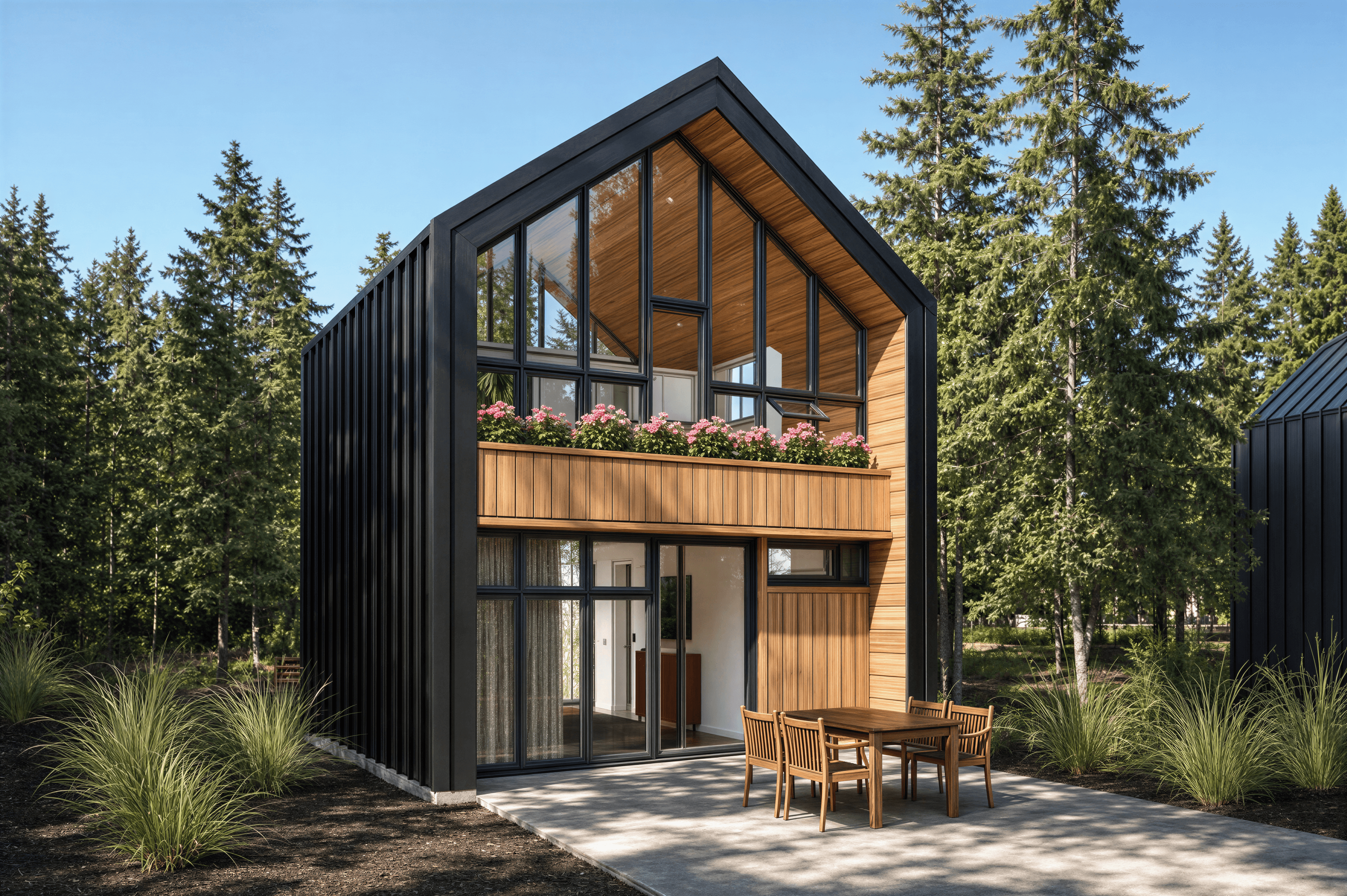
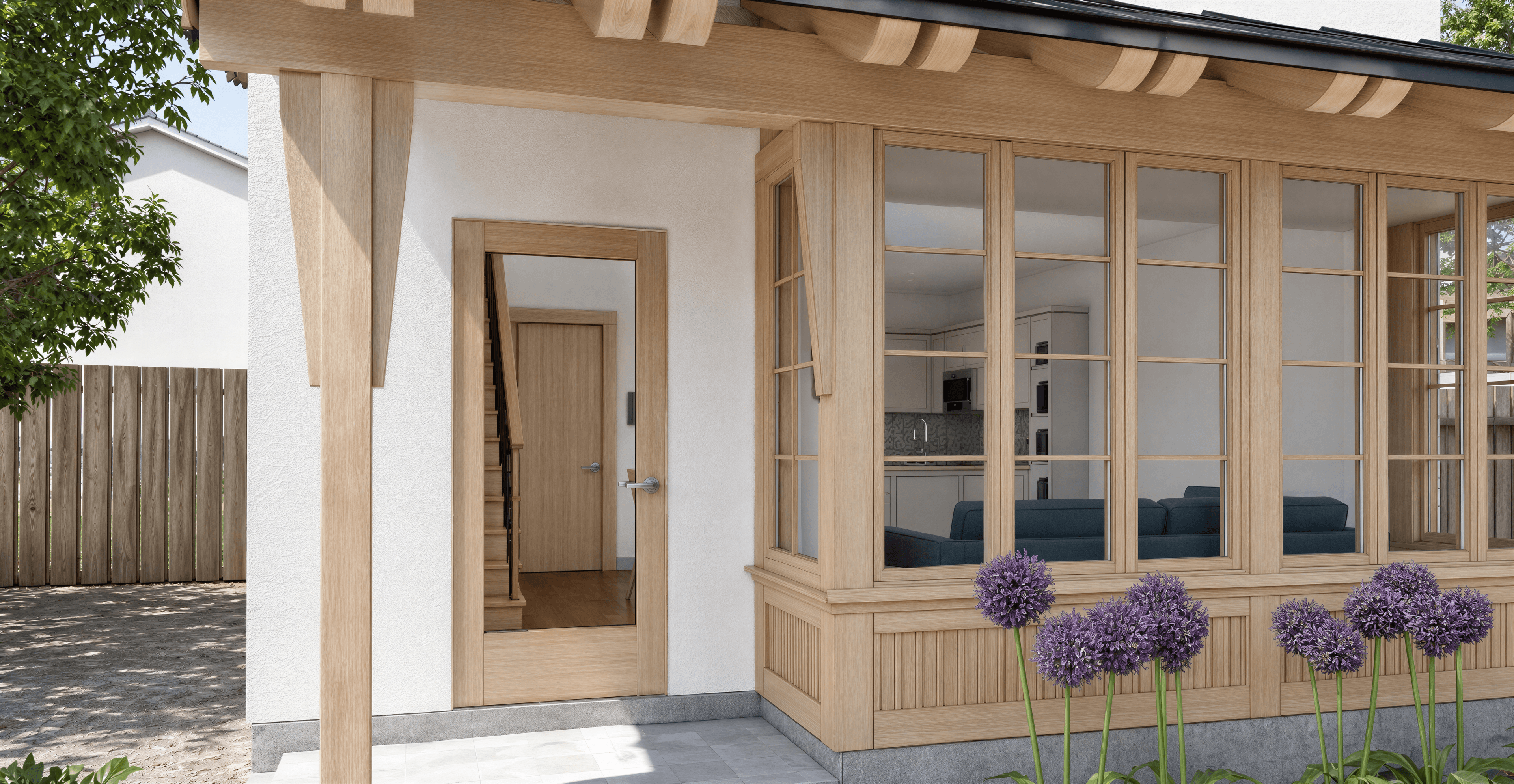
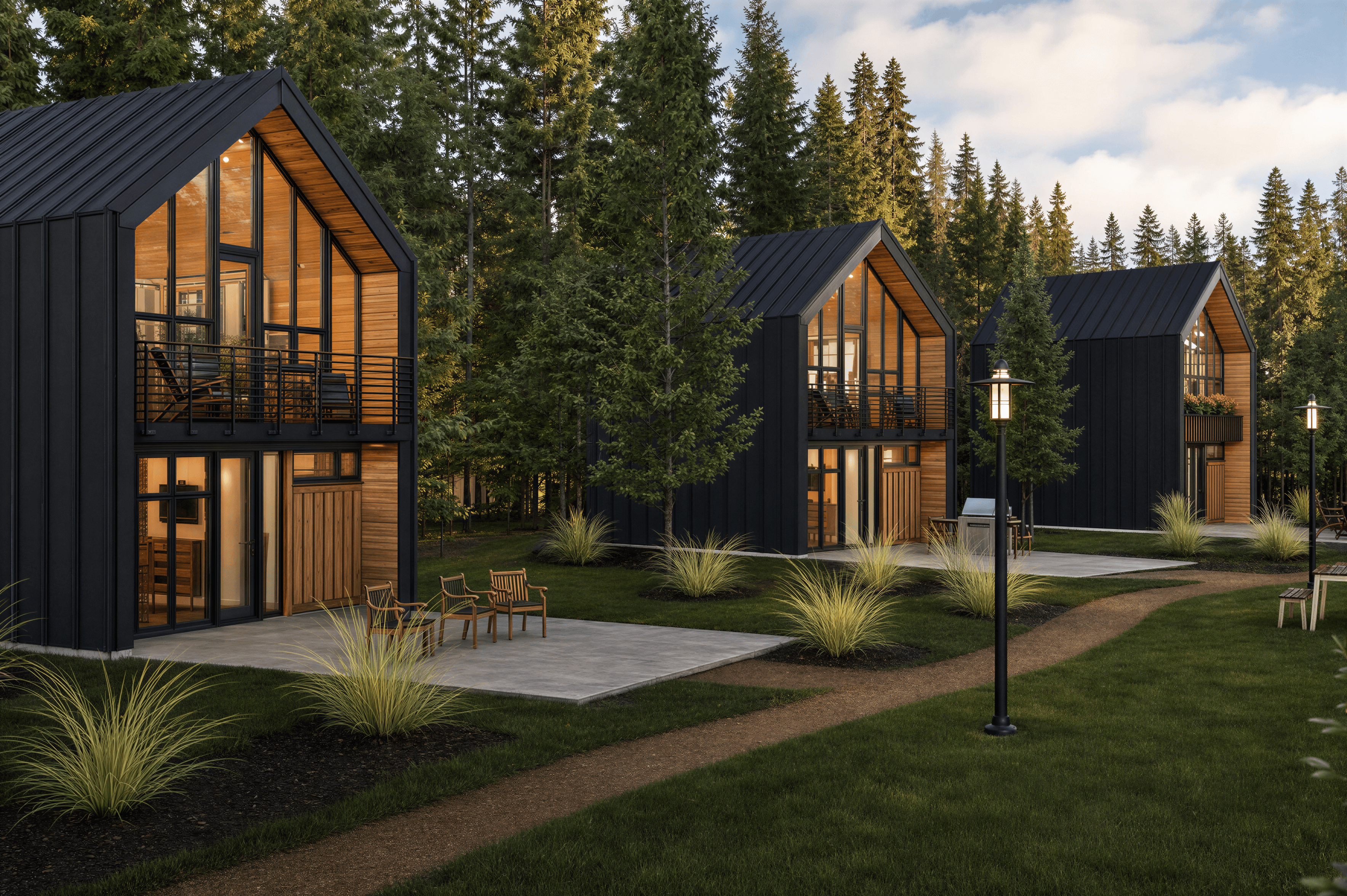
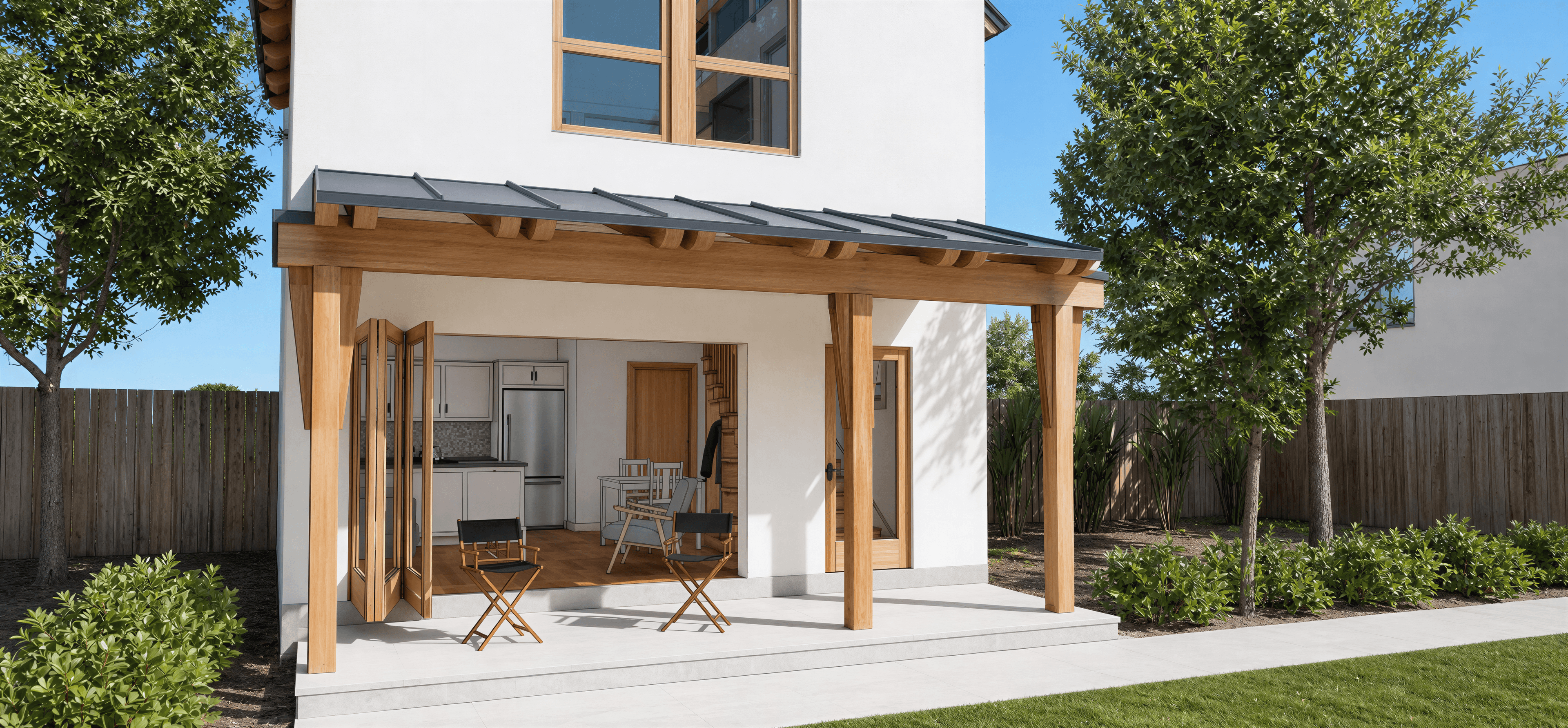
Bright midday is the lighting condition between roughly 11am and 2pm in clear weather — the sun is high in the sky, the light is neutral-white in color, and shadows are short and hard-edged. It's the most factual lighting in architectural rendering: it shows the building as it is, without adding mood or warmth, and reads as bright, direct, and slightly impersonal.
For AI rendering, the cues are sun angle and shadow character. Specify 'overhead sun' or 'high sun angle' to push the shadows short. The shadows should be hard-edged (not soft-diffused like morning or evening) because the atmosphere is thin and the light path is short. Color temperature should read neutral — 5500K is the target — not warm and not blue.
The risk with bright midday is harsh highlights. Real high-noon sun can blow out white walls and bleach color from materials in the render. Mitigate by specifying 'naturalistic exposure' or 'controlled highlights'. If the model has a lot of glass or bright surfaces, you can also lean toward 'high overcast' or 'bright but slightly diffused' for a more flattering version.
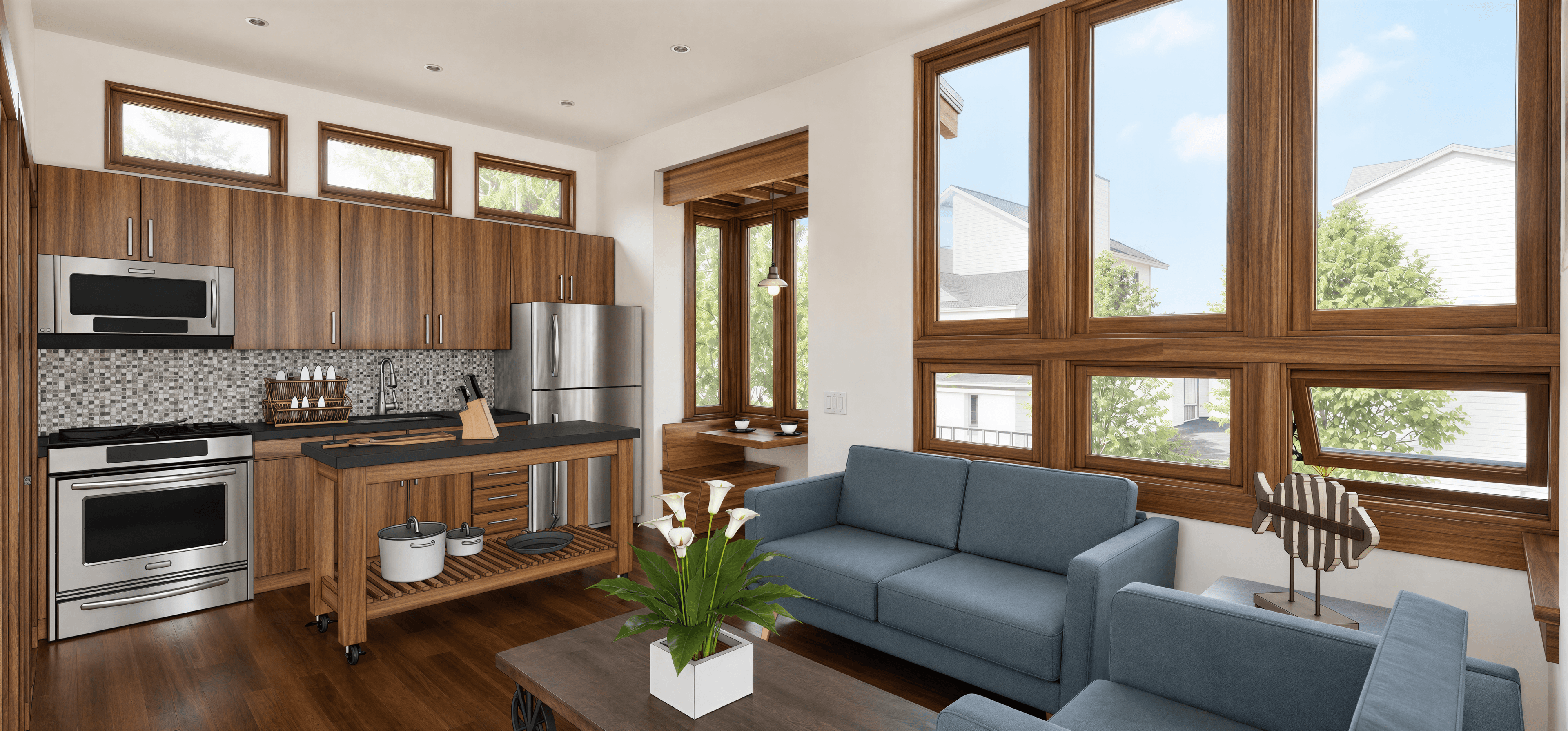
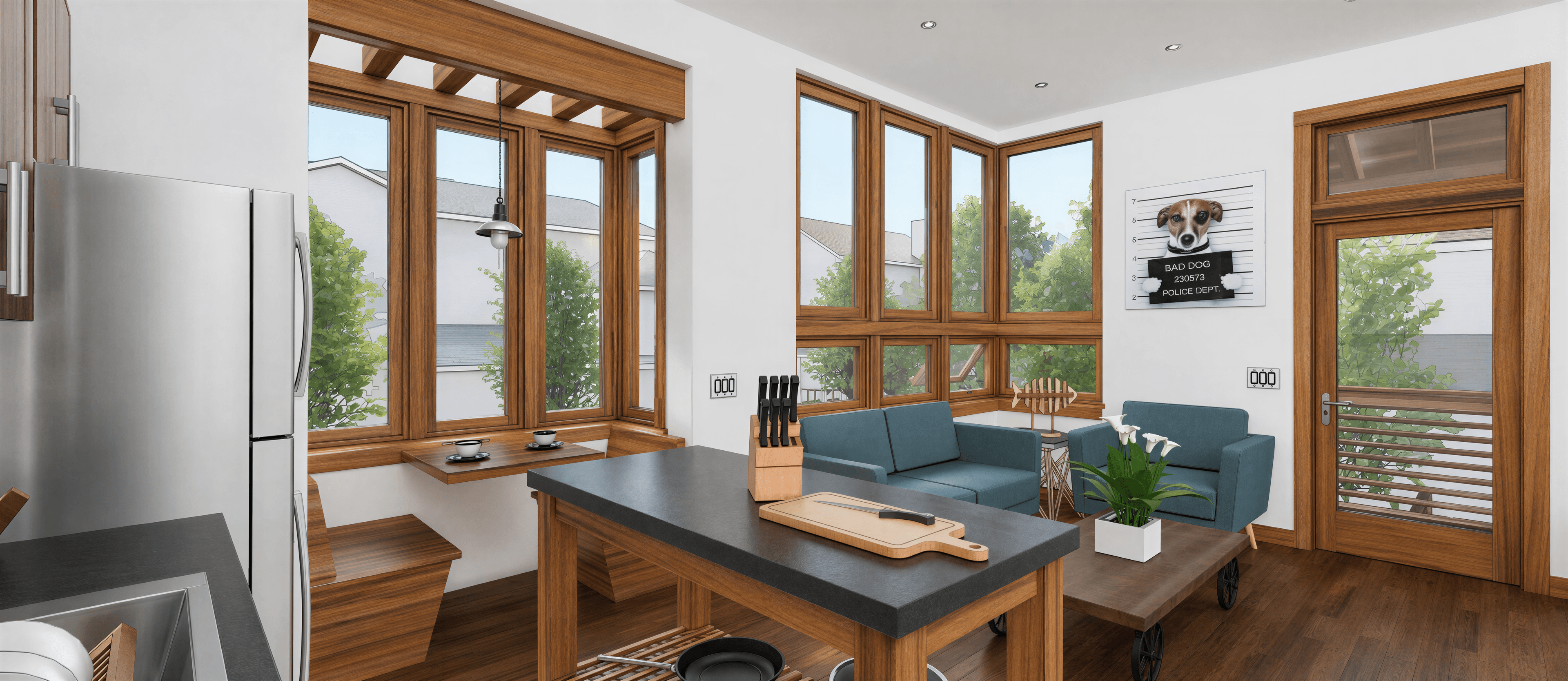
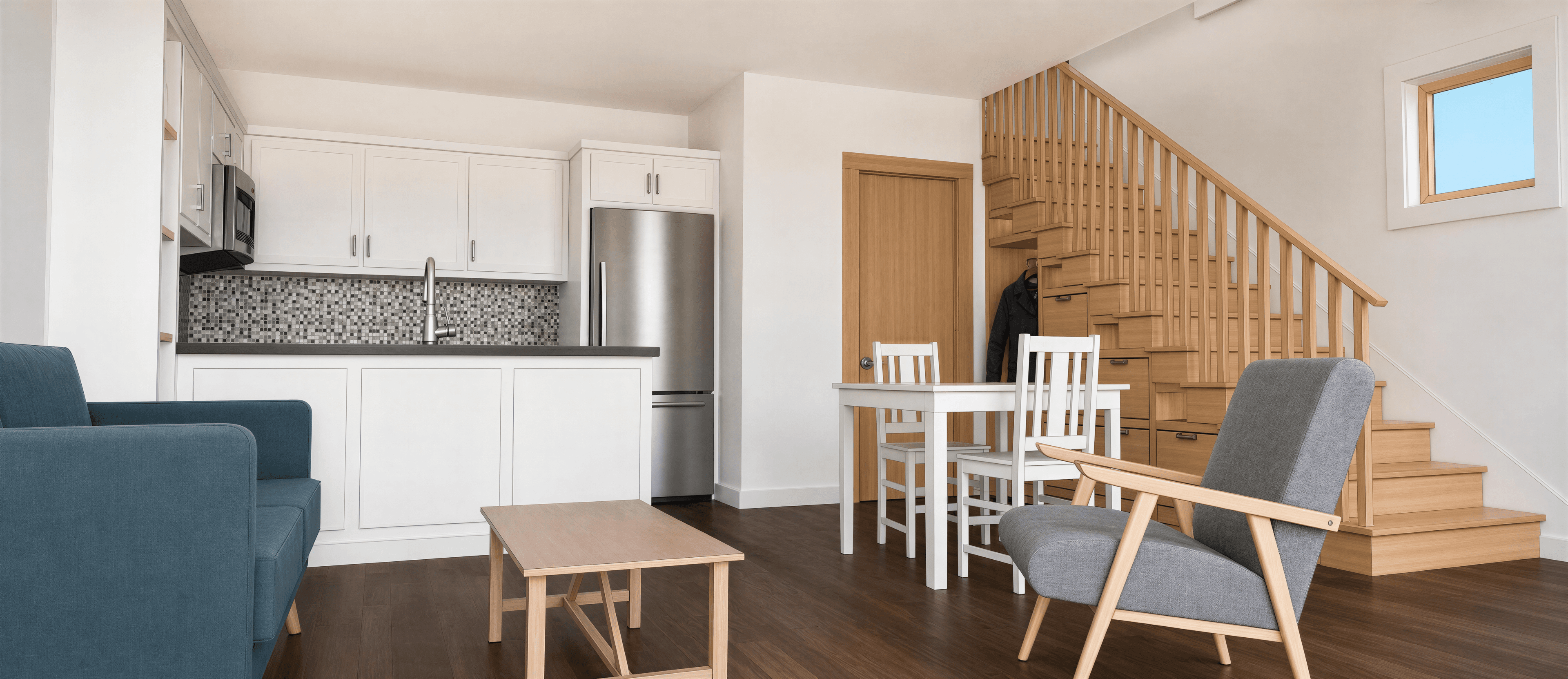
Bright midday suits exteriors that need to read as clear, factual, and commercial — real estate marketing, planning submissions, technical documentation. It also works for Mediterranean and Modern Minimalist interiors that are designed around strong direct sunlight. Avoid it for moody styles (Japandi, Wabi-sabi, Industrial) where it actively fights the intended mood.
Technical specs
Bright midday at a glance
Reference numbers for matching this lighting in any 3D tool or render setting. Use them as a sanity check for what the prompt should produce.
Prompt syntax
Add this to your render prompt
Combine this phrase with a style direction and material choices for a full prompt. The lighting wording should usually come at the end so it modifies the overall mood rather than competing with the material specifics.
Bright midday syntax
Paste into the prompt field in airender, or use as a starting point and tweak the details.
Scene palette
Typical colors under bright midday
These are the dominant colors you tend to see in a scene rendered under this lighting — highlights, mid-tones, shadows, and sky bounce. Click any swatch to copy.
FAQ
Common questions
Frequently Asked
Questions
Why do my midday renders look harsh?
Real noon sun is genuinely harsh — that's the truth of the lighting. But you can soften it by specifying 'controlled highlights' or 'naturalistic exposure' in the prompt. For a flattering exterior shot of white architecture, consider 'bright but slightly hazy midday' instead, which keeps the directional quality but softens the highlights.
Is bright midday the same as 'sunny'?
Not exactly. 'Sunny' is vague and AI tends to interpret it as mid-afternoon with warmer light. 'Bright midday' or 'overhead noon sun' is more specific and produces shorter shadows, more neutral color, and a more factual reading. For real estate or planning shots, the specificity matters.
What styles fight bright midday lighting?
Mood-driven styles like Japandi, Wabi-sabi, and most Industrial interiors are designed around directional softer light. Bright midday flattens the contemplative quality these styles depend on. Reach for soft morning, overcast, or cinematic instead for those styles.