What this lighting is
How to render golden hour
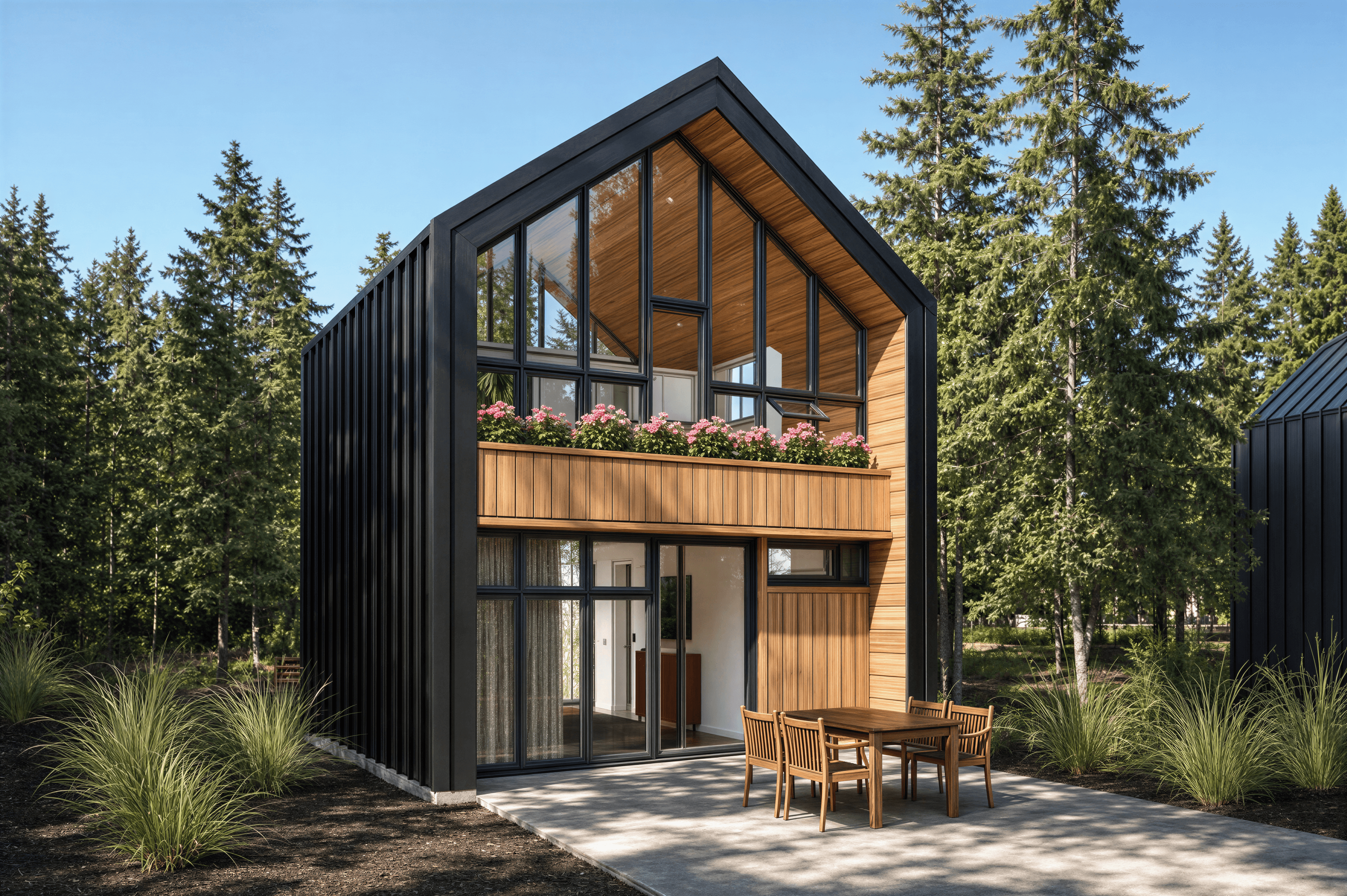
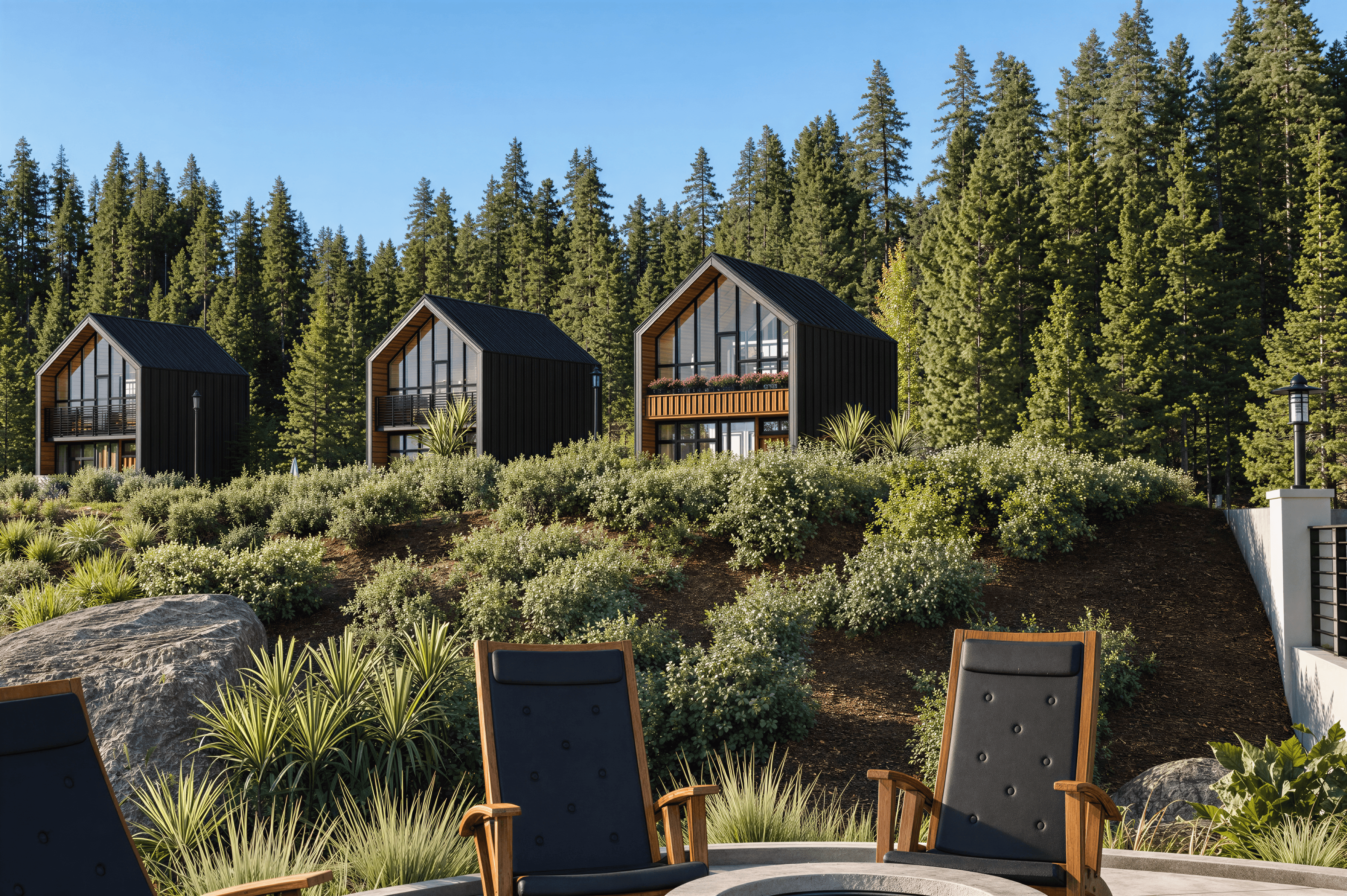
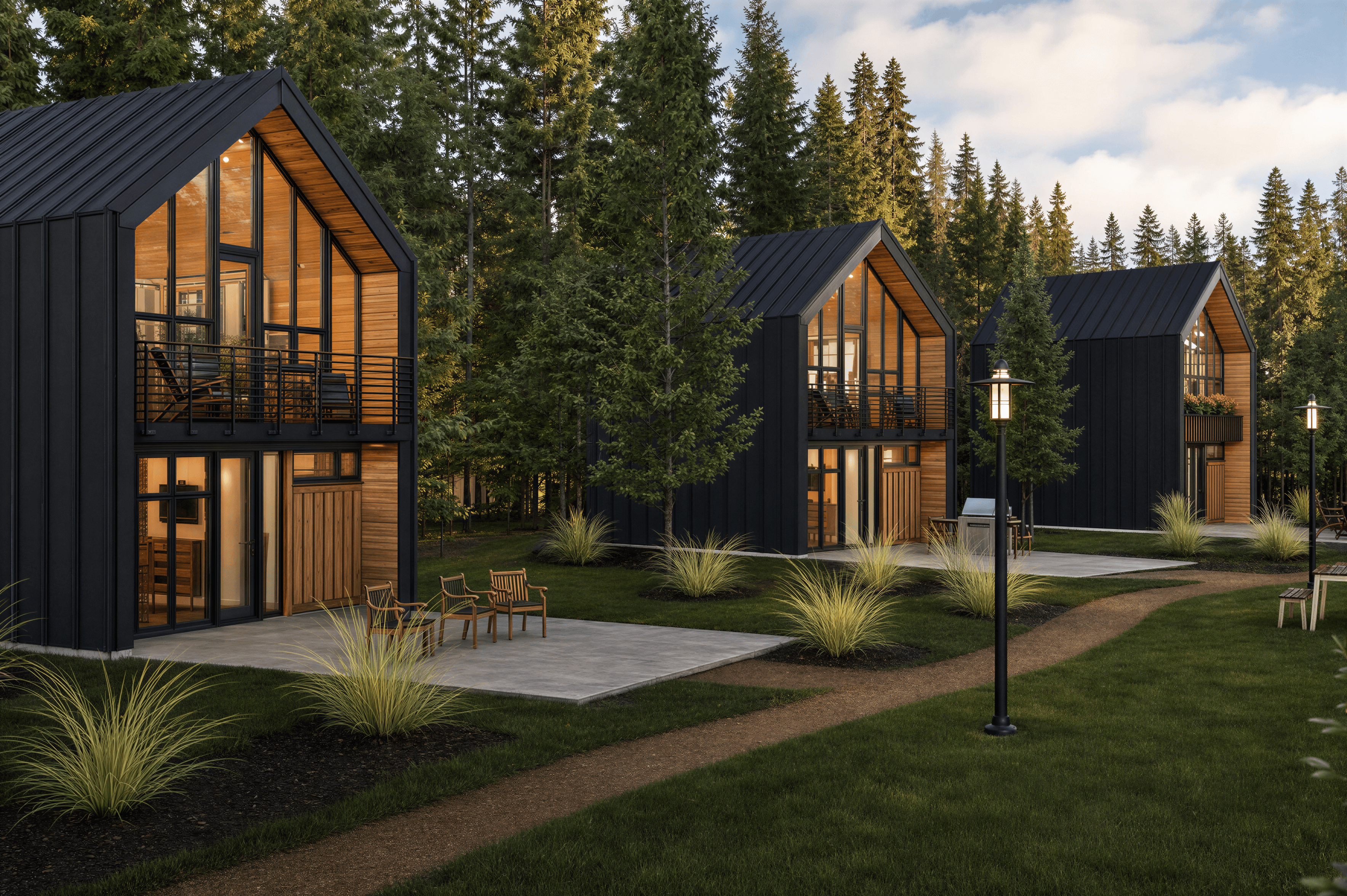
Golden hour is the hour before sunset (and the equivalent window after sunrise), when the sun is low to the horizon and the atmosphere filters the light into warm amber tones. It's the most photogenic lighting in architectural rendering because it adds warmth, dimension, and emotional pull without requiring any extra work from the model — even a plain exterior gets significantly more attractive in golden-hour light.
For AI rendering, golden hour is one of the easier lightings to land because the cues are distinctive. The sun is low and raking, so shadows are long and stretch dramatically across surfaces. The color cast is warm — amber on the lit surfaces, slightly cooler in the shadows where skylight takes over. The atmosphere often has a slight haze or warmth that softens the highlights.
Where it goes wrong is overdoing the warmth. Real golden hour is warm-amber, not orange-saturated. Prompts that ask for 'sunset' or 'bright orange light' tend to produce renders that look like they're on fire. The target is 'warm directional light' with 'amber undertone' rather than full saturation.
Golden hour suits exterior architectural renders almost universally and works for interior shots when at least one window faces the lowering sun. It particularly flatters mid-century, mediterranean, and warm-wood styles where the existing palette already runs warm. Cooler interiors (Scandinavian, Modern Minimalist) can take golden hour but the mood shifts noticeably warmer.
Technical specs
Golden hour at a glance
Reference numbers for matching this lighting in any 3D tool or render setting. Use them as a sanity check for what the prompt should produce.
Prompt syntax
Add this to your render prompt
Combine this phrase with a style direction and material choices for a full prompt. The lighting wording should usually come at the end so it modifies the overall mood rather than competing with the material specifics.
Golden hour syntax
Paste into the prompt field in airender, or use as a starting point and tweak the details.
Scene palette
Typical colors under golden hour
These are the dominant colors you tend to see in a scene rendered under this lighting — highlights, mid-tones, shadows, and sky bounce. Click any swatch to copy.
FAQ
Common questions
Frequently Asked
Questions
How do I get golden hour without it turning orange?
Avoid the words 'sunset', 'orange', or 'bright orange light'. Use 'warm directional golden hour light' with 'amber undertone'. If the AI still pushes saturated orange, add 'naturalistic' or 'subtle warmth' to dial it back. Real golden hour is warm but not radioactive.
Best direction for the sun in a golden-hour render?
Raking from one side — left or right at around 15 degrees above the horizon. This gives you the long shadows the lighting is known for and creates visual depth. Front-lit or overhead golden hour loses most of the magic; the shadows are what carry the mood.
Should the shadows look warm or cool?
Slightly cool, counter-intuitively. The lit surfaces are warm because of the direct sunlight; the shadows are filled by sky bounce, which carries the cool color of the sky. Specify 'warm light, slightly cool shadows' for the most realistic result.