What this material is
How to render walnut
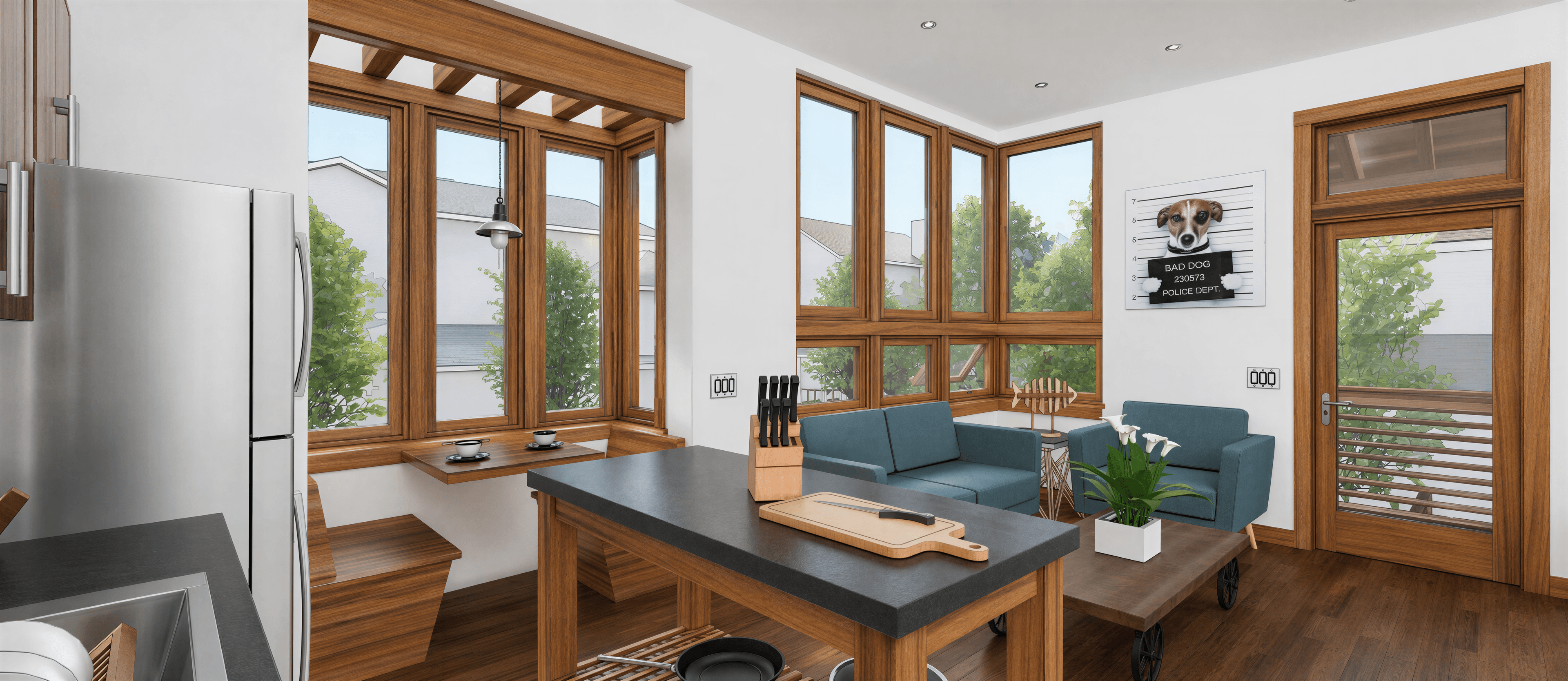
Walnut is the signature wood of mid-century American design and a foundational element in Japandi interiors. American Black Walnut is the most common species in furniture and paneling — rich chocolate-brown with bold open grain, a soft sheen when oiled, and just enough red-amber undertone to feel warm without crossing into mahogany territory.
For AI rendering, walnut wants oil finish, not lacquer. The bold grain pattern is the entire point — a glossy walnut floor reads as plastic, and a matte walnut surface loses the dimension the species is known for. The prompt sweet spot is 'oiled walnut' or 'natural walnut with low sheen', which gives the wood a slight glow without making it shine.
Color tone has a wide acceptable range. Authentic walnut runs from warm milk-chocolate to near-espresso, with the freshly-finished pieces falling in the warmer middle. Pushing too dark in the prompt can tip walnut into 'rosewood' or 'mahogany' territory which read more traditional and ornate. 'Medium walnut' or 'American walnut' is the safer middle.
Pairs with brass, leather, terrazzo, and warm linen. Mid-Century Modern lives on walnut + brass + cream cloth. Japandi uses walnut + smoked oak + bone plaster. Avoid pairing walnut with cool grays or stark whites unless you want a high-contrast contemporary look — walnut is at its best in warm-tone rooms.
Prompt syntax
Add this phrase to your render prompt
Use this exact wording as part of your prompt to push the AI toward the correct material reading. Combine with a style direction and a lighting condition for a full prompt.
Walnut syntax
Paste into the prompt field in airender, or use as a starting point and tweak the details.
Color variations
Typical walnut tones
Click any swatch to copy the hex. Use these as reference points in your design tool or call out a specific tone in your prompt.
FAQ
Common questions
Frequently Asked
Questions
How do I get a true walnut tone without it going red or yellow?
Specify 'American Black Walnut' or 'cool walnut' in the prompt. If the AI pushes red, add 'neutral undertone' or 'brown not red'. If it pushes yellow, add 'cool walnut' or 'gray-brown walnut'. The natural target is medium chocolate-brown with a faint amber warmth, not orange.
Oiled vs lacquered walnut for renders?
Almost always oiled. Lacquered walnut reads as commercial or mid-budget — it loses the grain depth that makes the species worth rendering. Use 'oiled walnut' or 'natural walnut with low sheen' for residential, hospitality, and mid-century renders. Lacquer only for very specific contexts (a midcentury bar, a vintage piano).
Walnut floor vs walnut paneling — same prompt?
Mostly yes, but specify the grain orientation if it's a wall — walnut paneling traditionally runs vertical with bookmatched grain. For floors, plank-width matters; specify 'wide-plank' for contemporary, 'narrow plank' for traditional or historical interiors.